Google Maps Button
Adds a Google Maps button next to the lead address in HighLevel/LeaderCRM. If a Google Maps API key is configured, it can also enable Street View inside the modal.
Use this appGet IDXAddons Now
Unlock IDX Broker potential with IDXAddons. Enjoy our amazing & fully customizable widgets to make your website stunning.
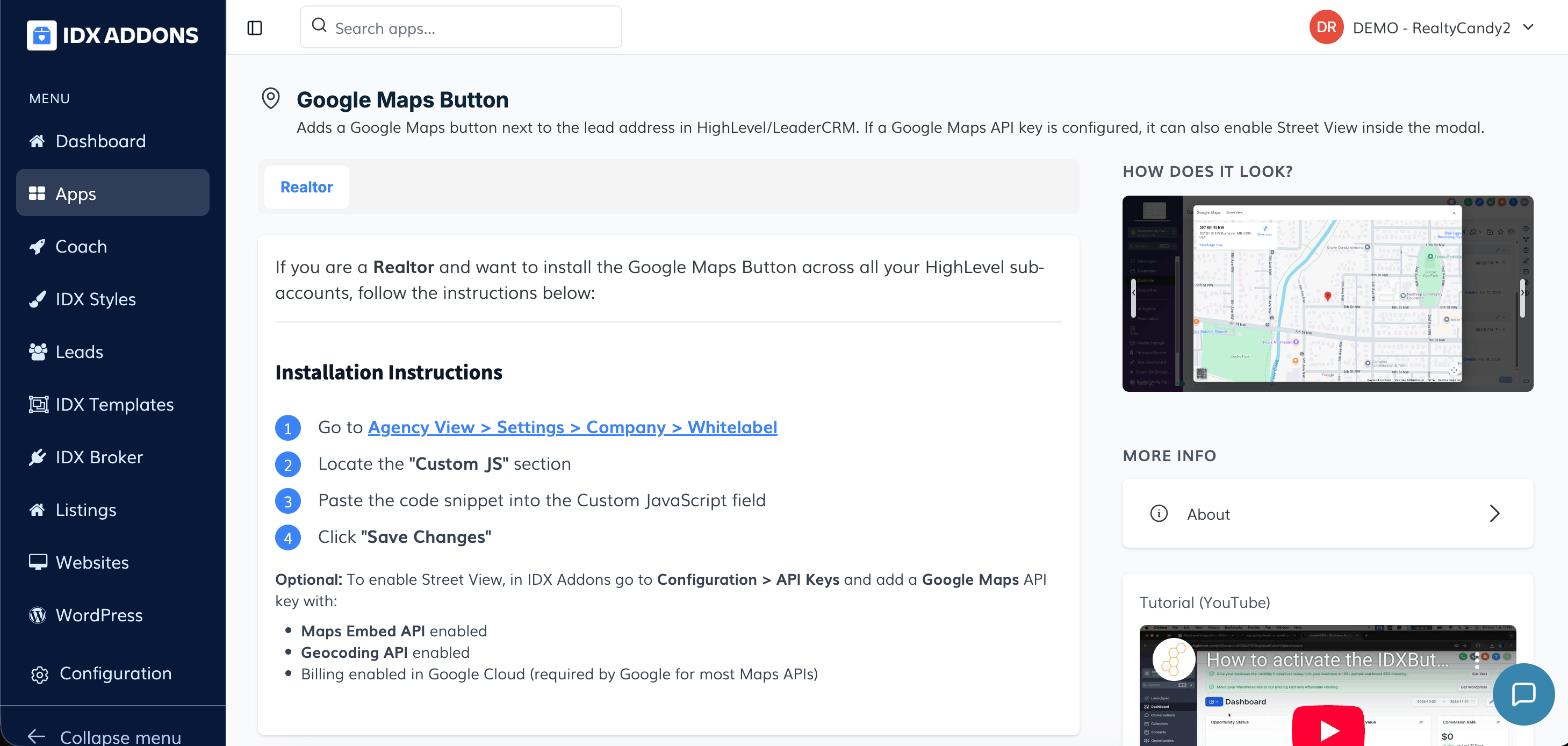
Add a Google Maps button directly inside HighLevel and LeadConnector
This app adds a Google Maps button next to the lead’s address inside HighLevel, allowing you to quickly open and view the property location with a single click. No more copying and pasting addresses—access directions and map details instantly while managing your leads.
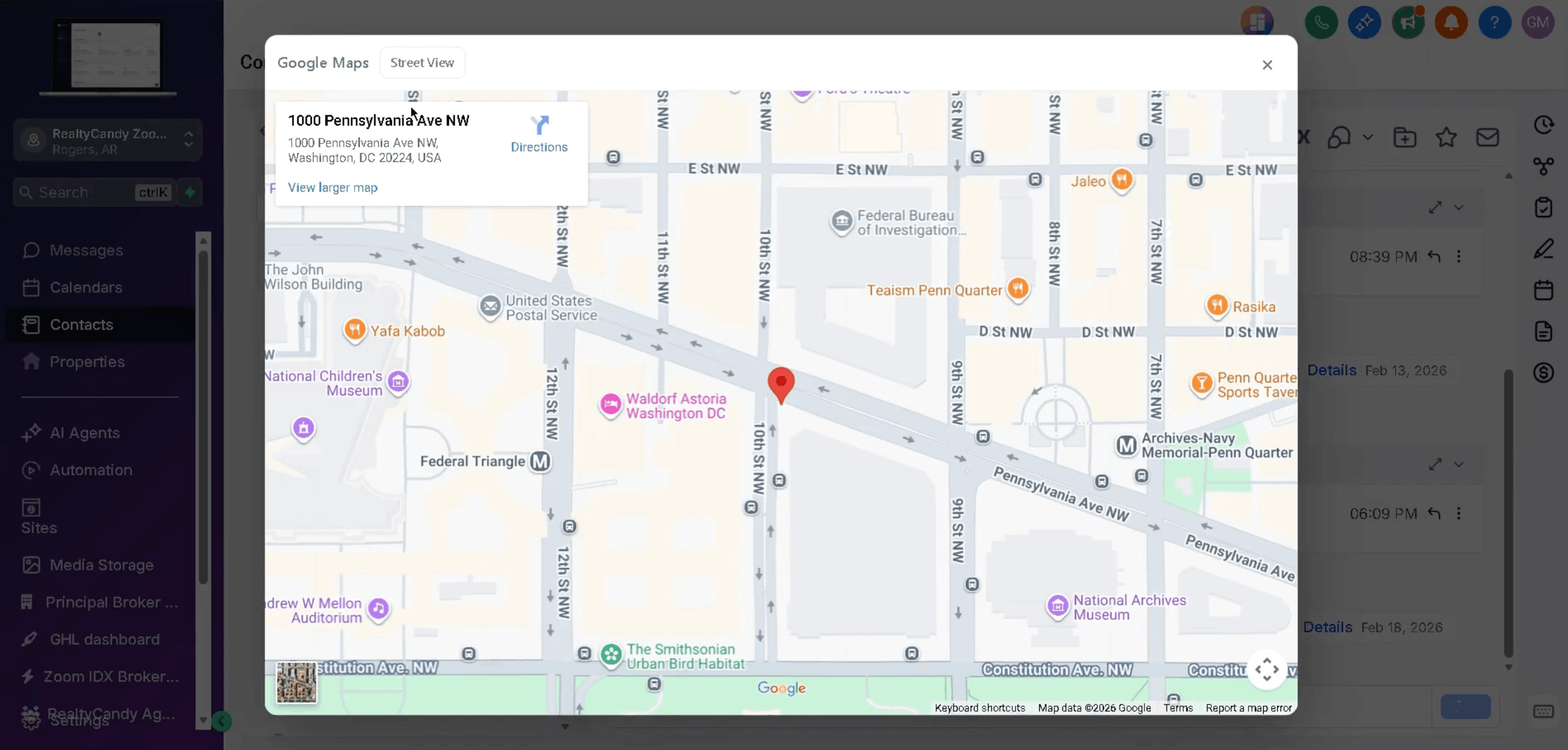
Bring location context directly into your CRM
If a Google Maps API key is configured, you can also enable Street View inside the modal for a more immersive location preview. This gives agents immediate visual context of the property area without leaving the CRM.
For Realtors managing multiple sub-accounts, the Google Maps Button can be installed globally via the Agency View by adding the provided script to the Custom JS section. Optionally, to activate Street View, configure your Google Maps API key in IDX Addons with the Maps Embed API and Geocoding API enabled, along with billing in Google Cloud.