November 26, 2024
New features
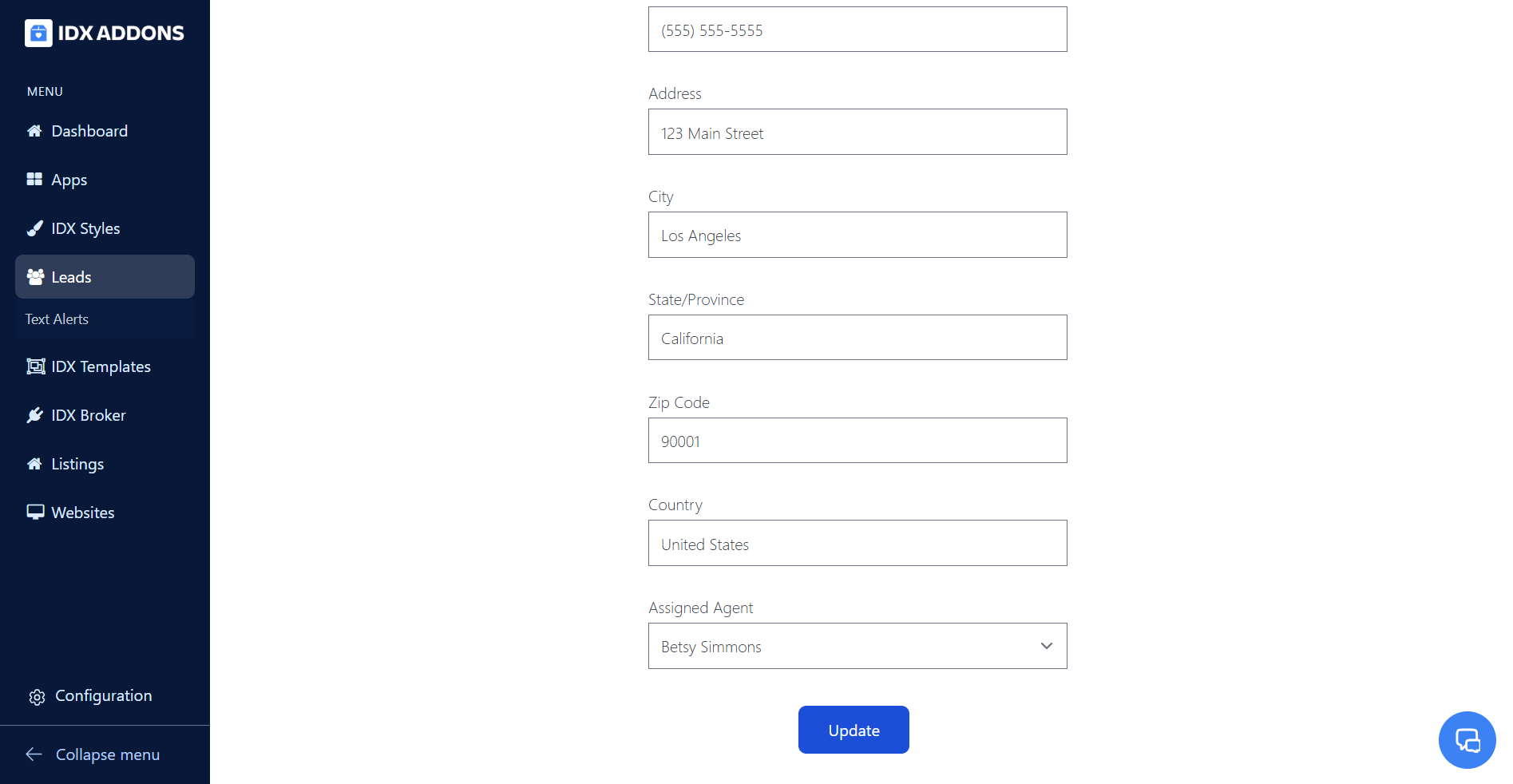
IDX Leads- Update Agent Assignment
A new field has been added to update the assigned agent when managing leads on the IDX Leads page. This will update the agent in IDX Broker and in the activity shown in the LeadConnector Dashboard. This update is available exclusively for Office Accounts.
Find out more about this new feature
November 25, 2024
New featuresBetaIDX Broker EngageHighLevel
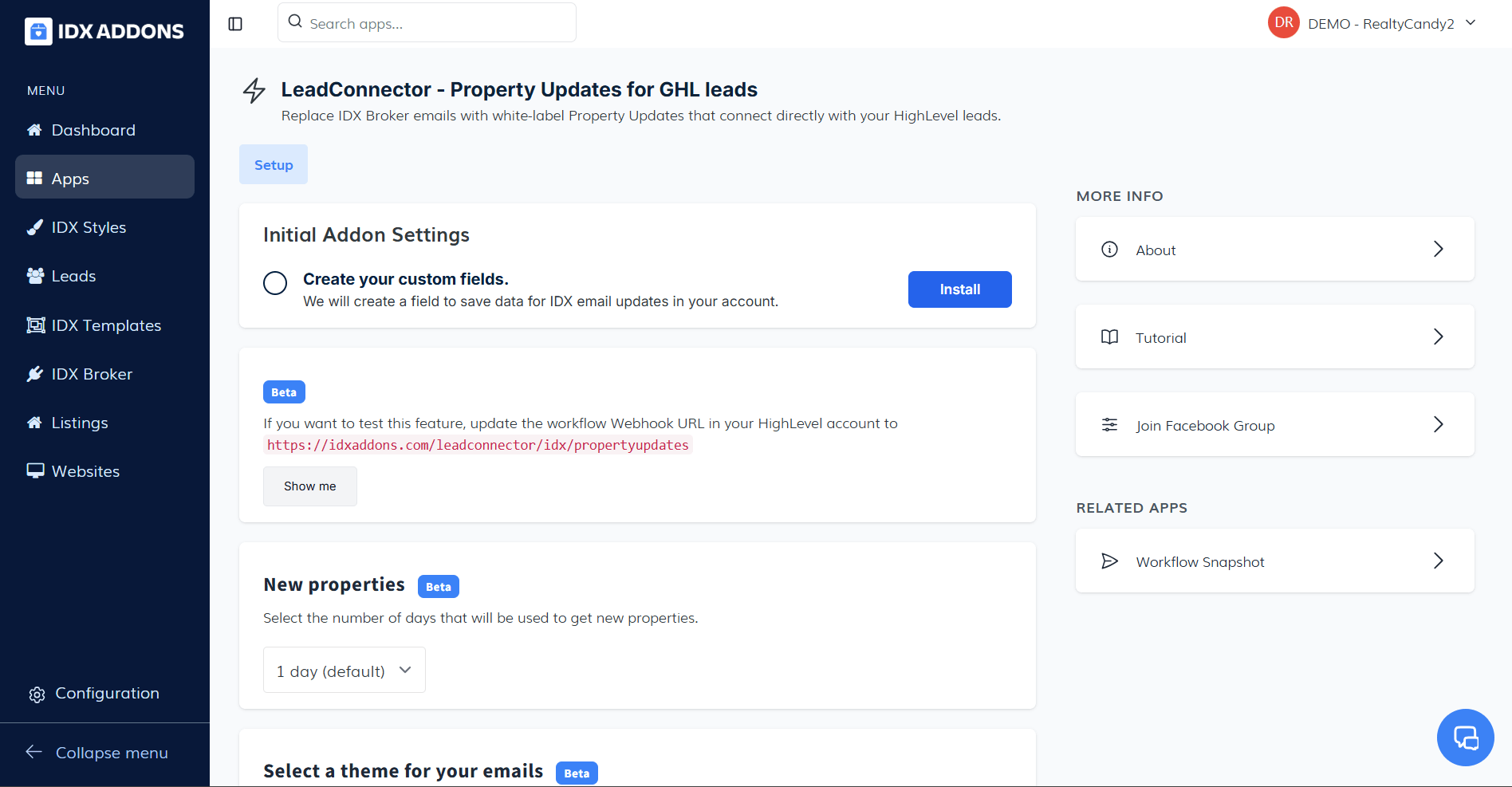
LeadConnector - Property Updates for GHL leads
A new beta endpoint has been created to test the property updates sent from HighLevel. This feature is available exclusively for IDX Platinum clients.
Get all the details
November 22, 2024
New features
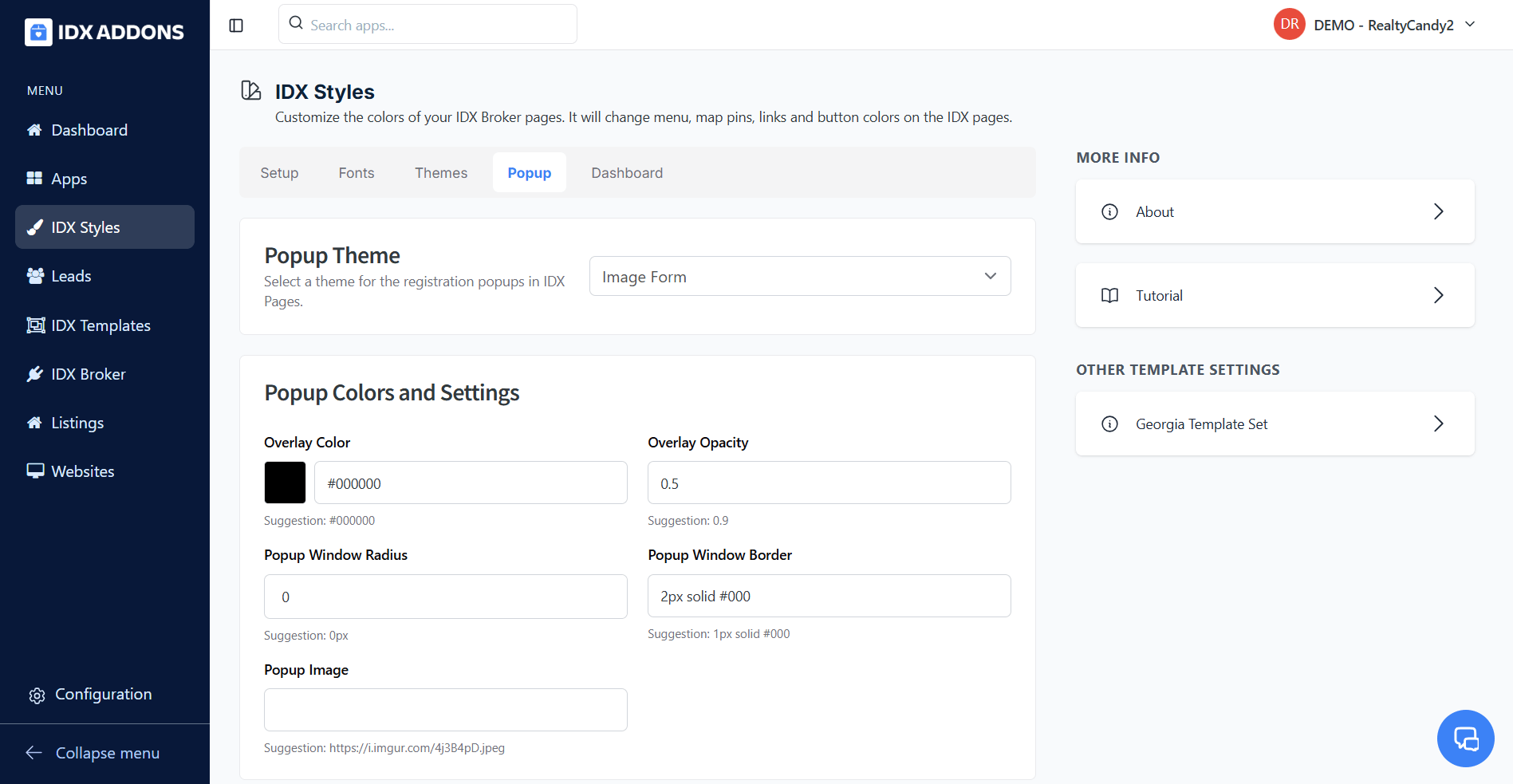
New Image Form Popup Theme
Introducing the new "Image Form" popup theme in IDXStyles, designed to provide a more dynamic and visually appealing form experience.
Find out more about this new feature
November 21, 2024
Improvements
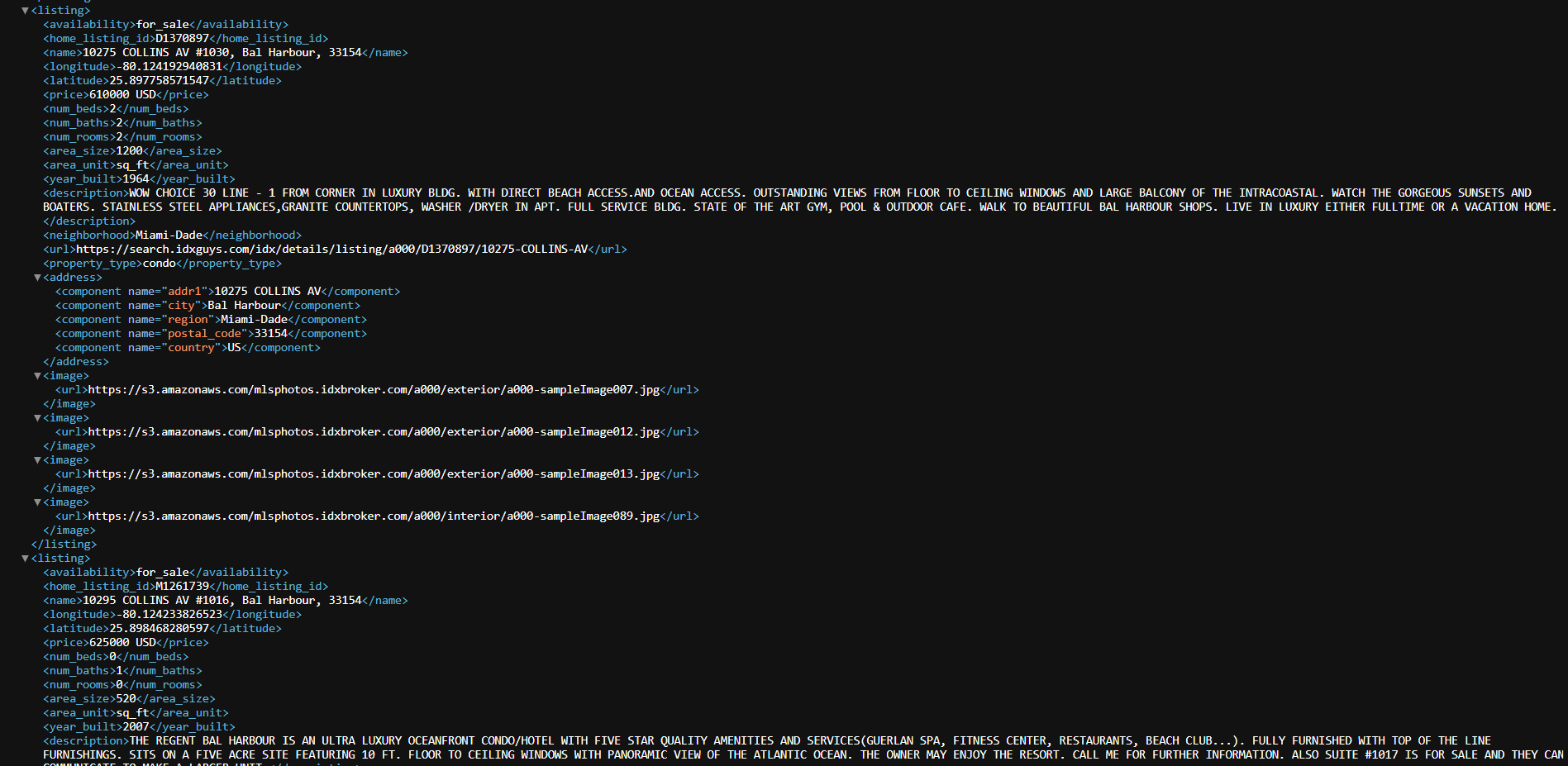
Facebook Ads - Improved XML File for Property Catalogs
The "year_built" field has been added to the XML file, enabling the creation and filtering of catalogs based on a property's construction year. This is particularly useful for new construction properties.
Explore this improvement !
November 19, 2024
ImprovementsHighLevel
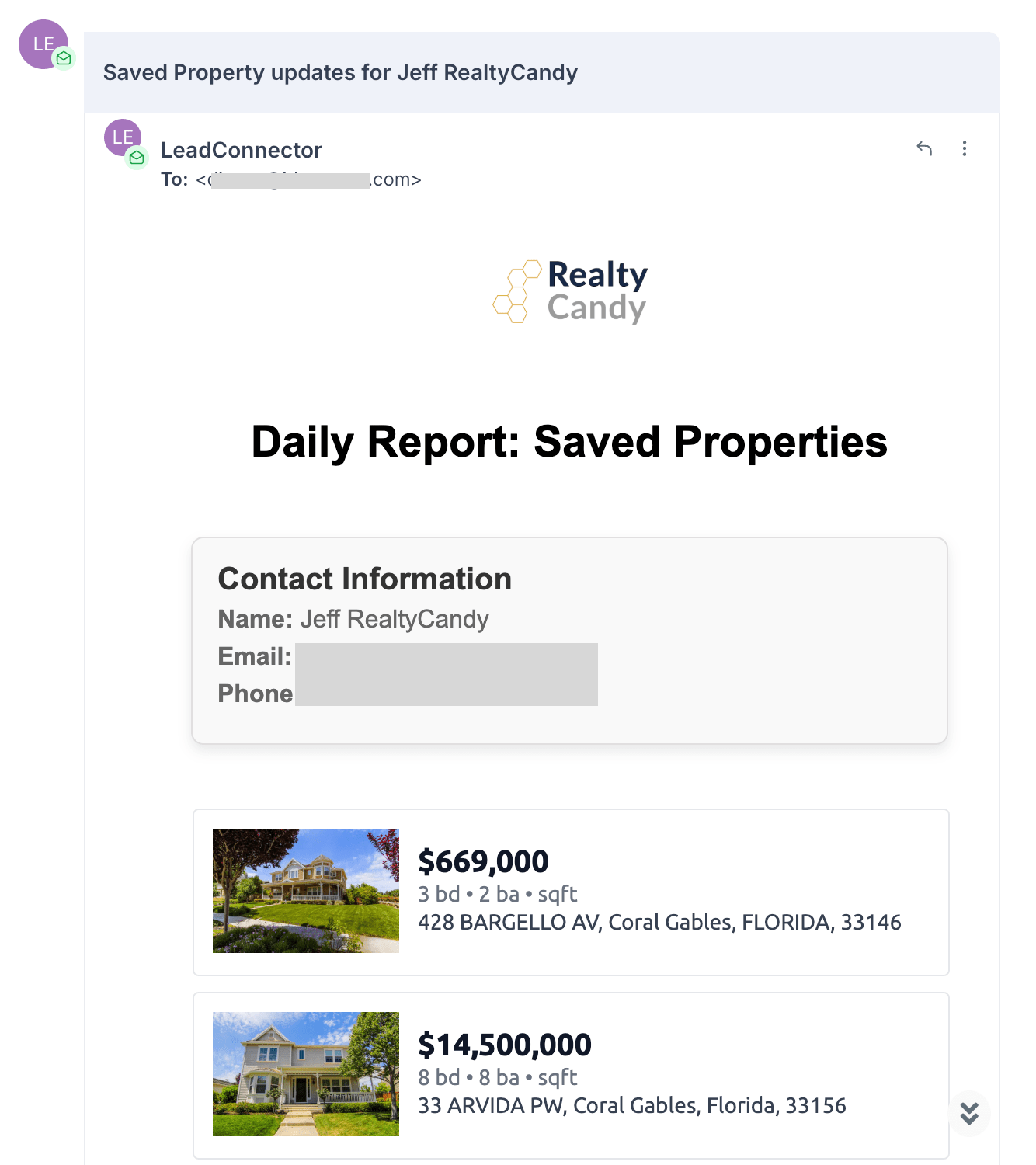
Updated Design for GHL Agent Notifications Emails
The design of Agent Notifications emails has been updated to provide a cleaner and more professional look for lead activity updates.
Learn more about this update
November 14, 2024
New featuresIDX Broker Engage
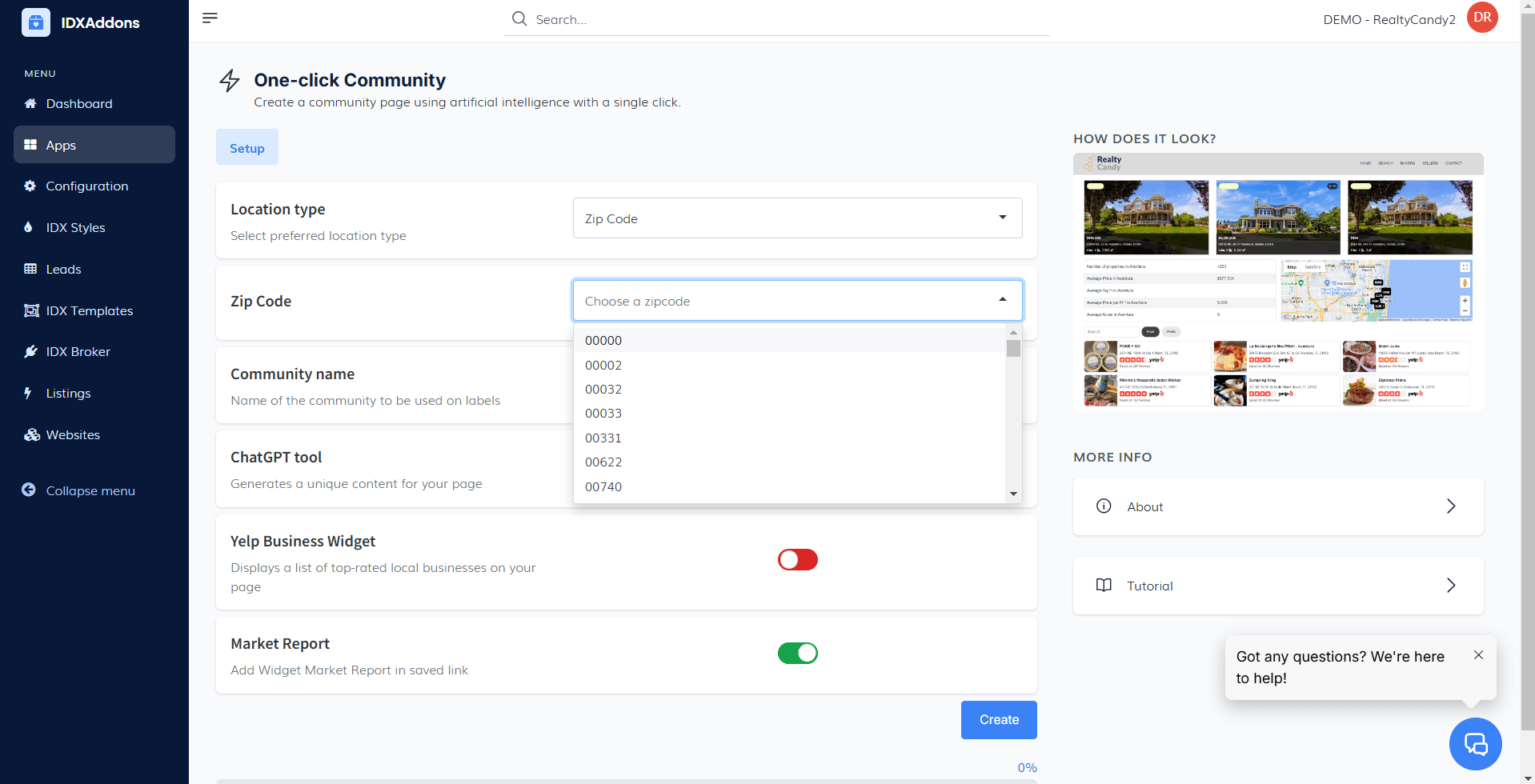
Create Community Pages by ZIP Code
You can now create community pages for specific ZIP Codes directly from the One Click Community app.
Find out how to use this new tool !
November 12, 2024
New features
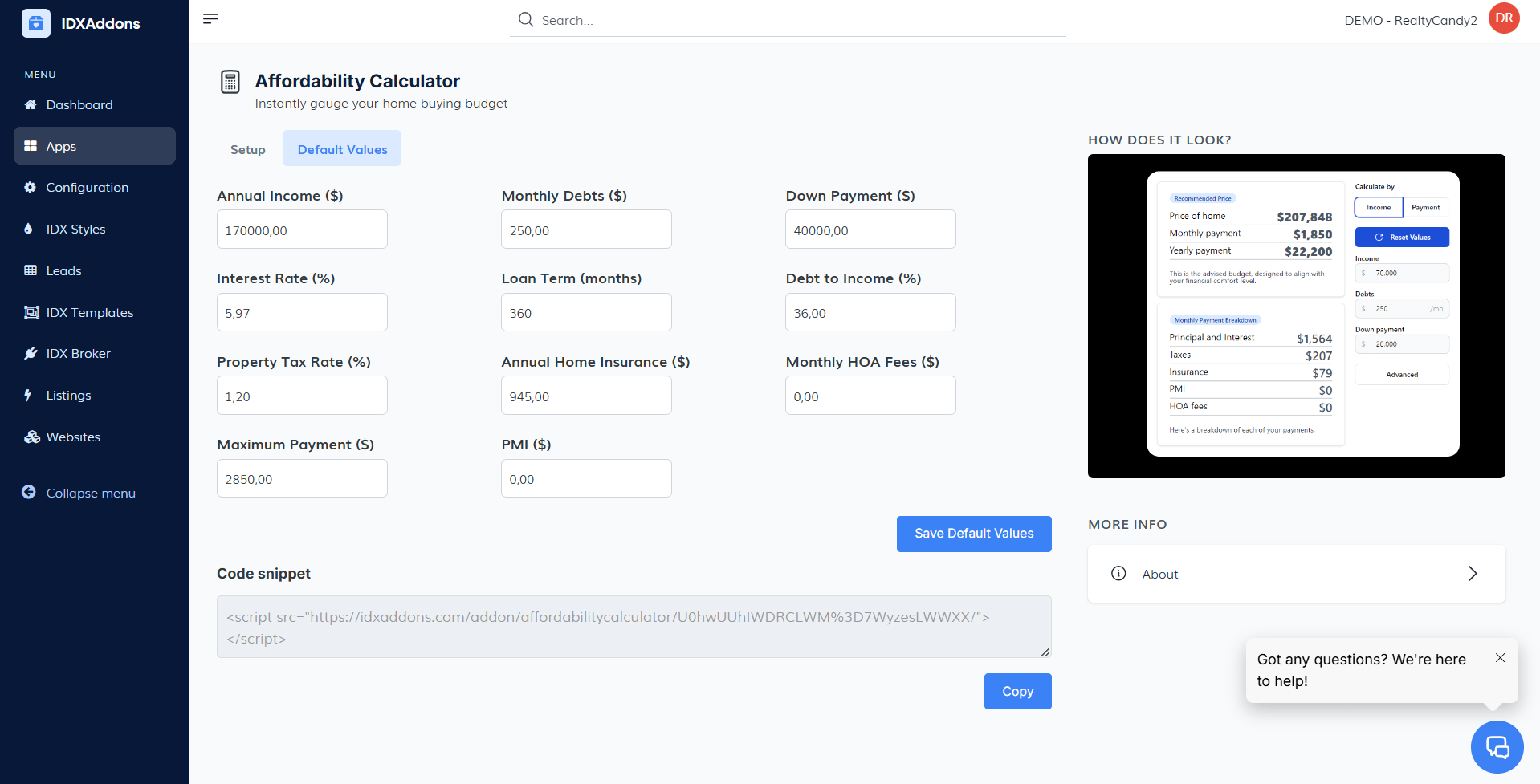
Affordability Calculator - Set Default Values and Updated Design
Users can now set default values for fields like income, debts, and down payment, with updated default colors inspired by IDXStyles for a cohesive design.
Find out how to use this update
November 11, 2024
New features
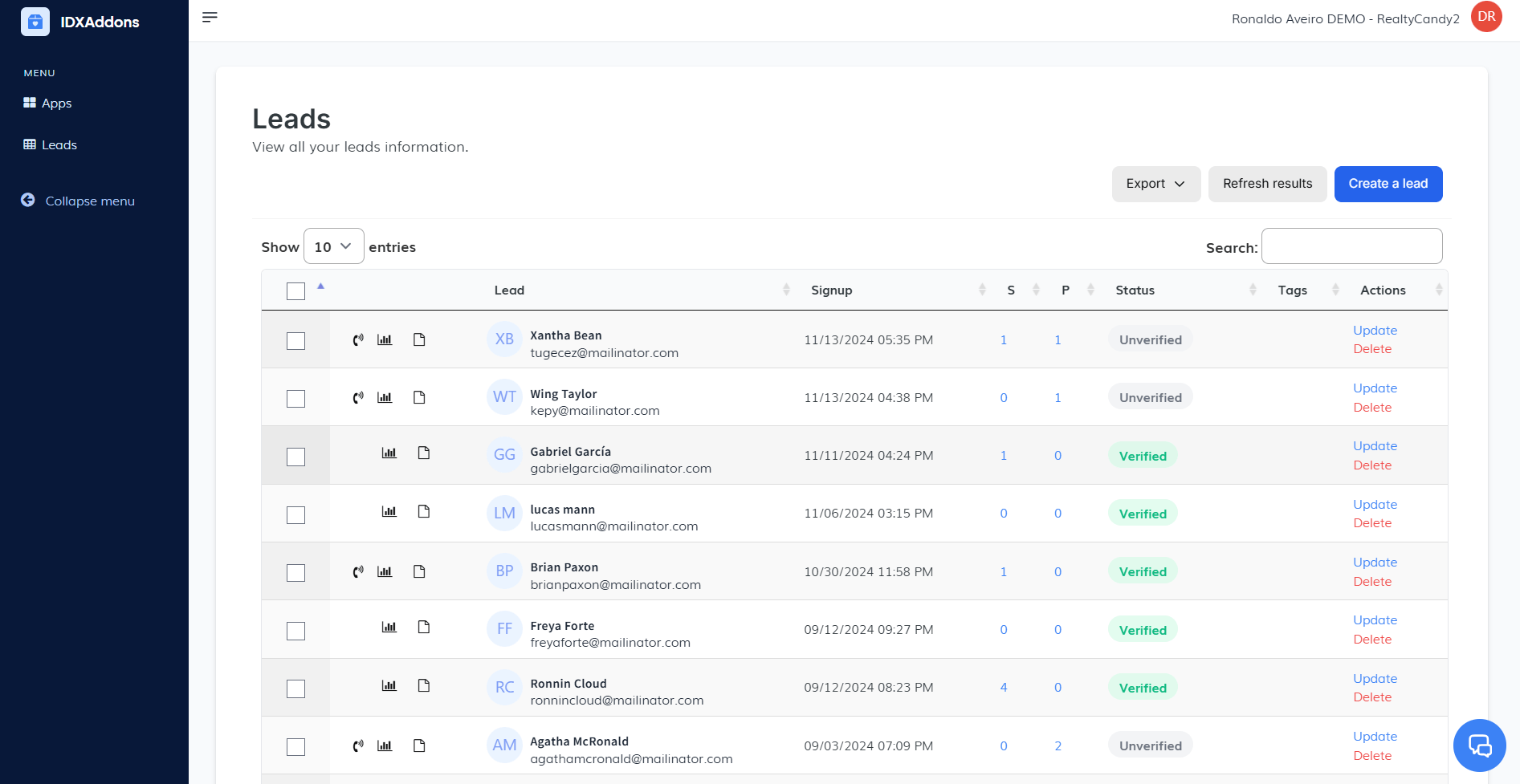
IDXAddons Agent Access
Agents can now see the leads assigned to them upon logging in with Agent Login. This feature is available exclusively for Office accounts.
Get more details about this feature
November 7, 2024
New features
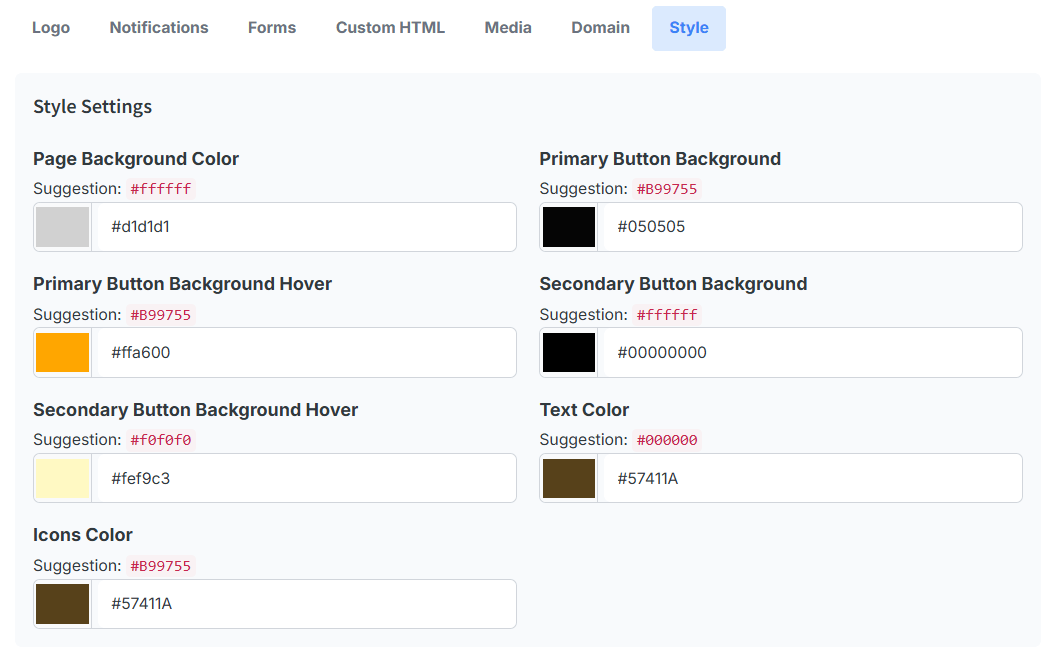
Single Property Websites PRO
A new "Styles" tab has been added, allowing users to customize background colors, primary and secondary colors, and icons for a more personalized look.
Discover how to use these new customization options
November 6, 2024
UpdatesHighLevel
Plunk Widget
If property valuation information is not found or there's an error retrieving the data, a new lead will still be created in IDX Broker, and the information will be sent to HighLevel.
Find out more about this update